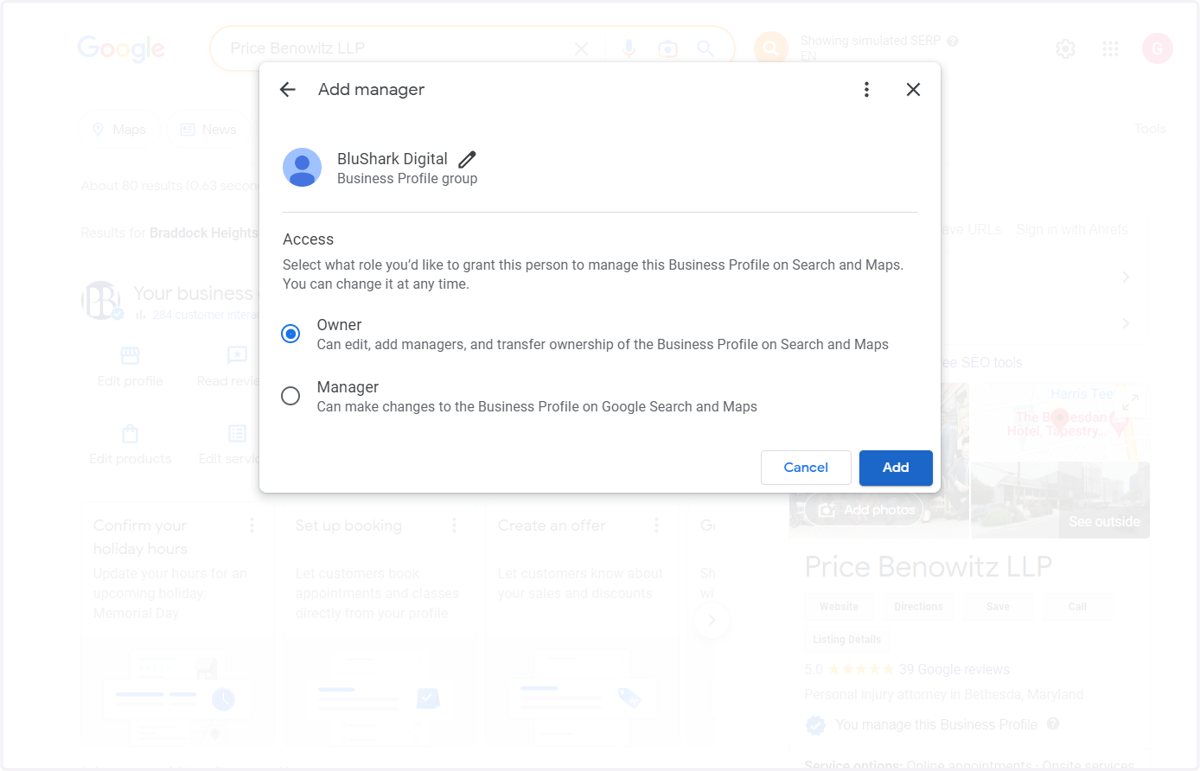
Steps to Share a GBP
1. Go to business.google.com
2. Select or search for the business profile you want to share
3. Click on See Business Profile settings and support
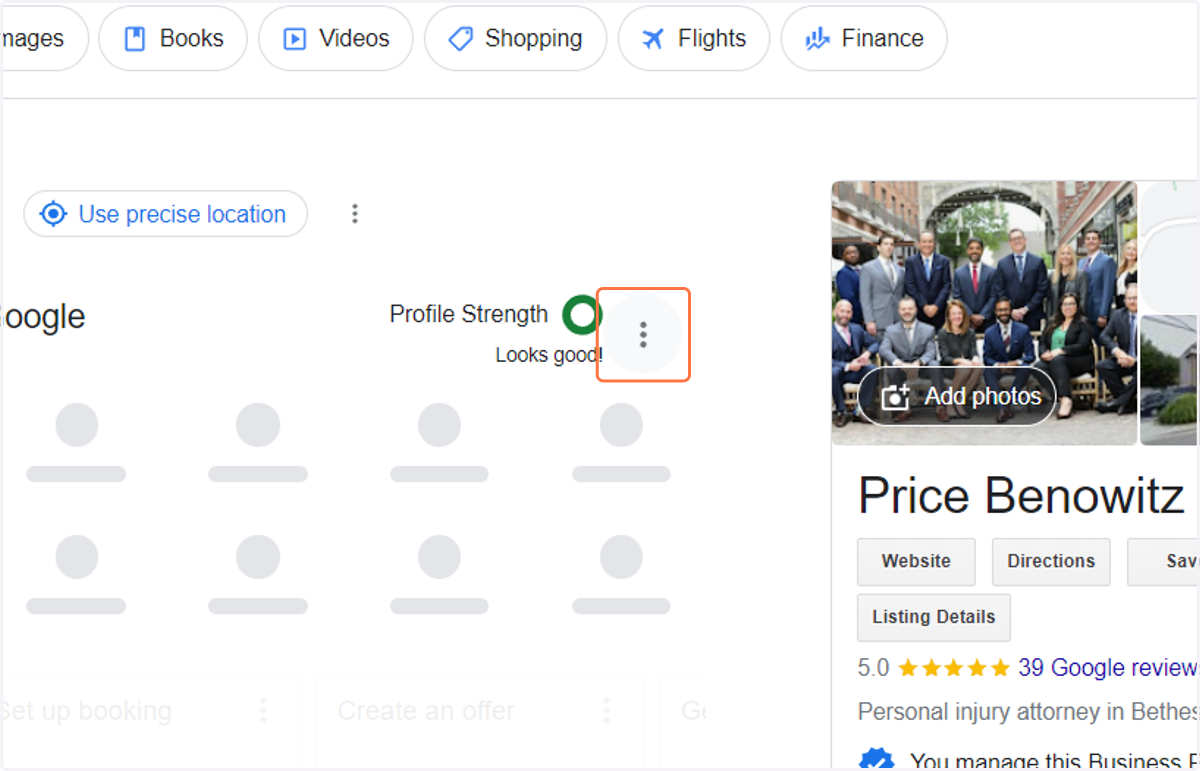
4. Click on Business Profile settings
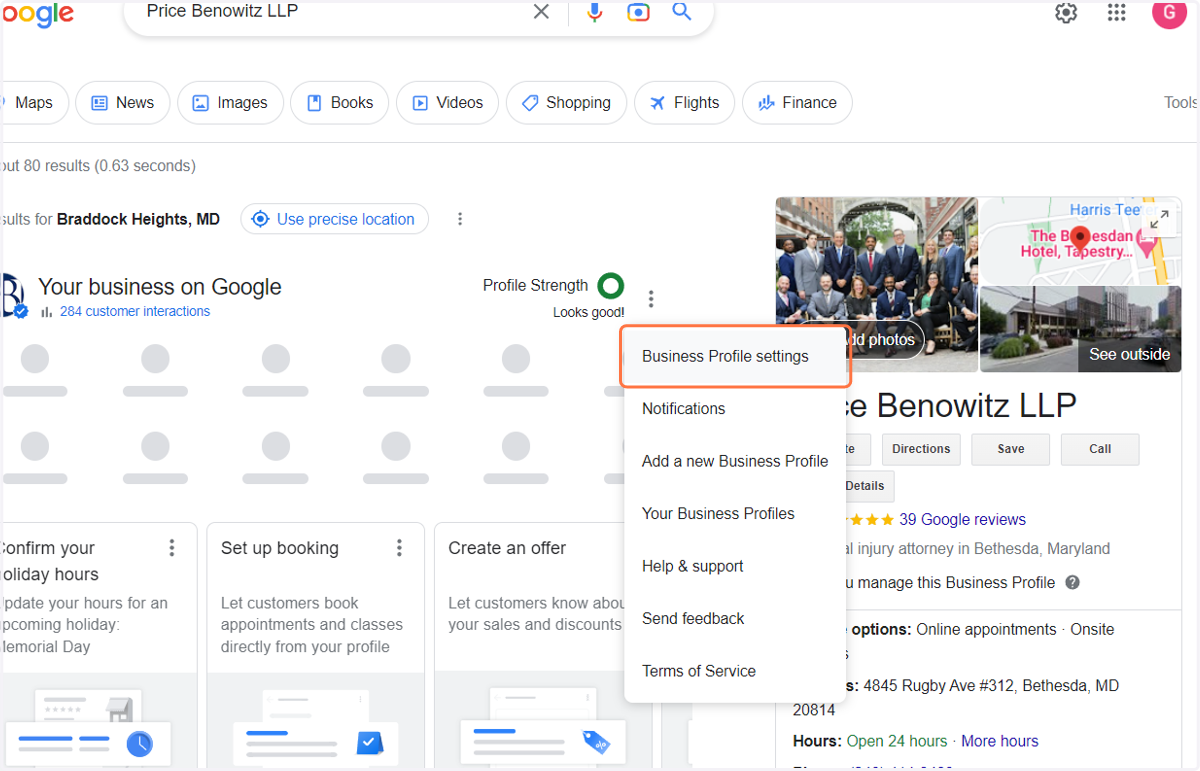
5. Select People & Access from the Pop Up Window
It should be the first option in the menu.
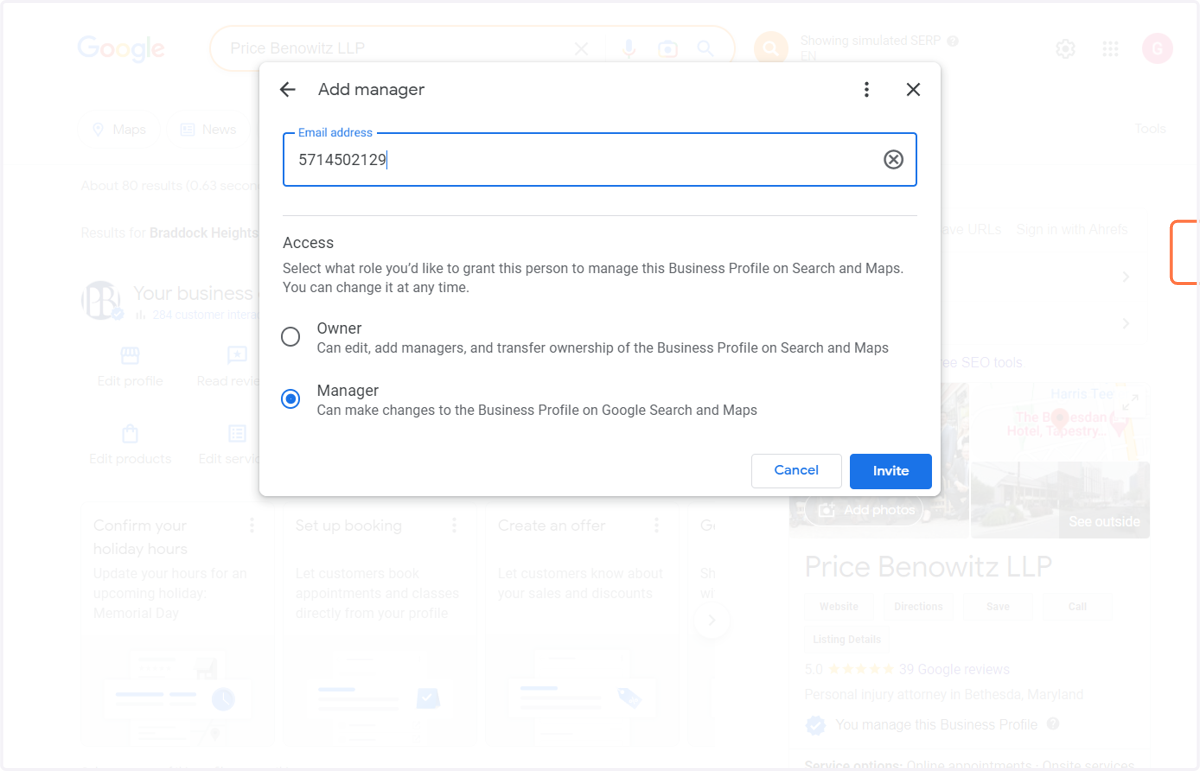
6. Click on Add
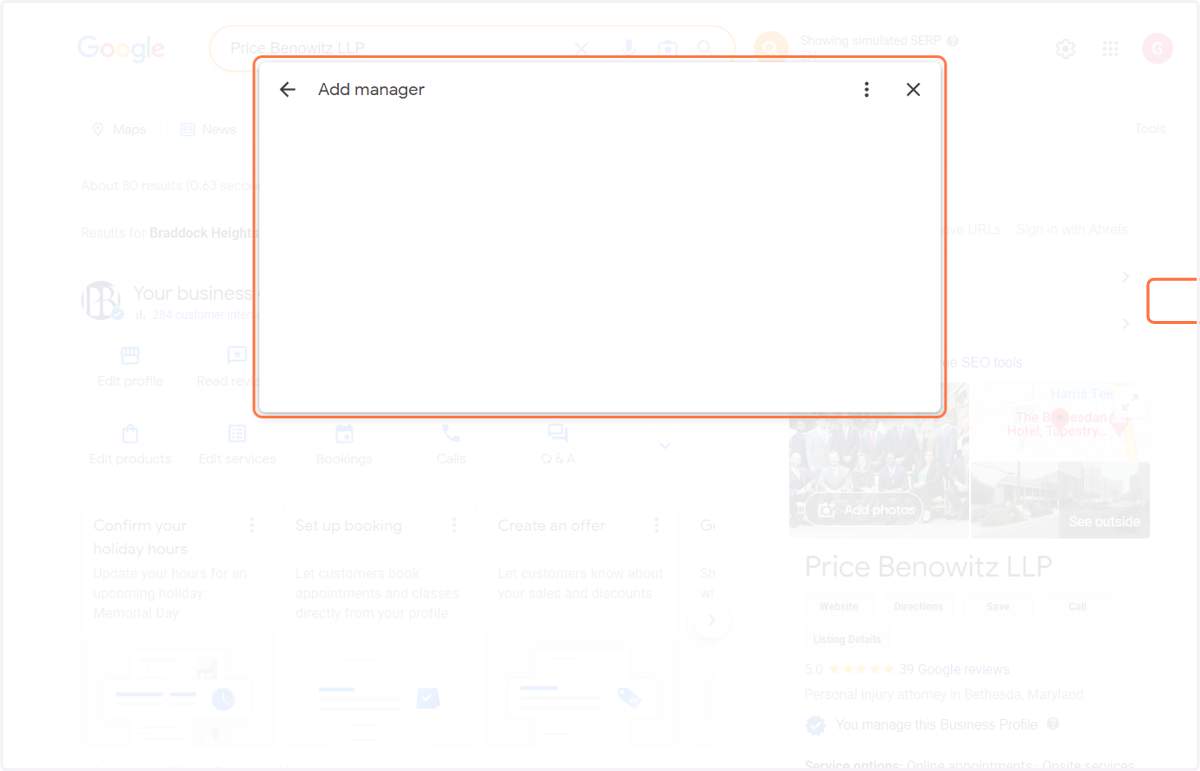
7. Paste Agency Code: 5714502129
It asks for an email address, but the code serves as one for our agency account.
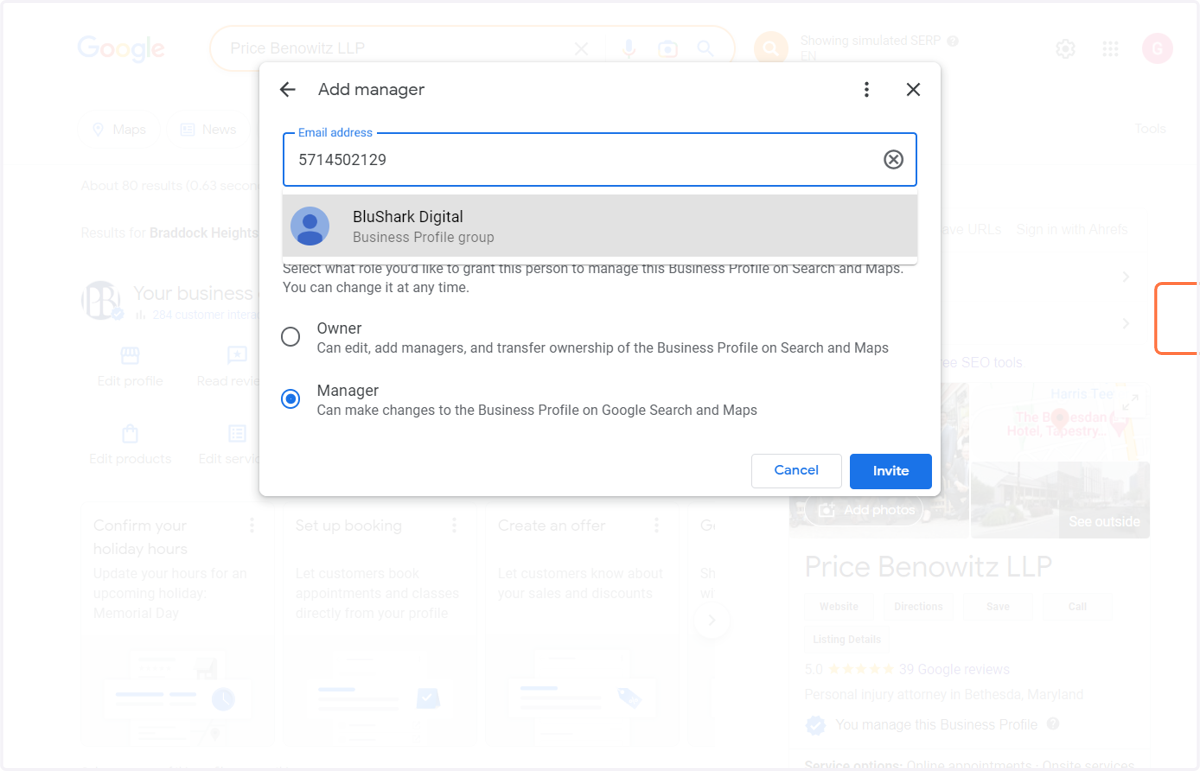
8. Click on BluShark Digital…
9. Select Owner
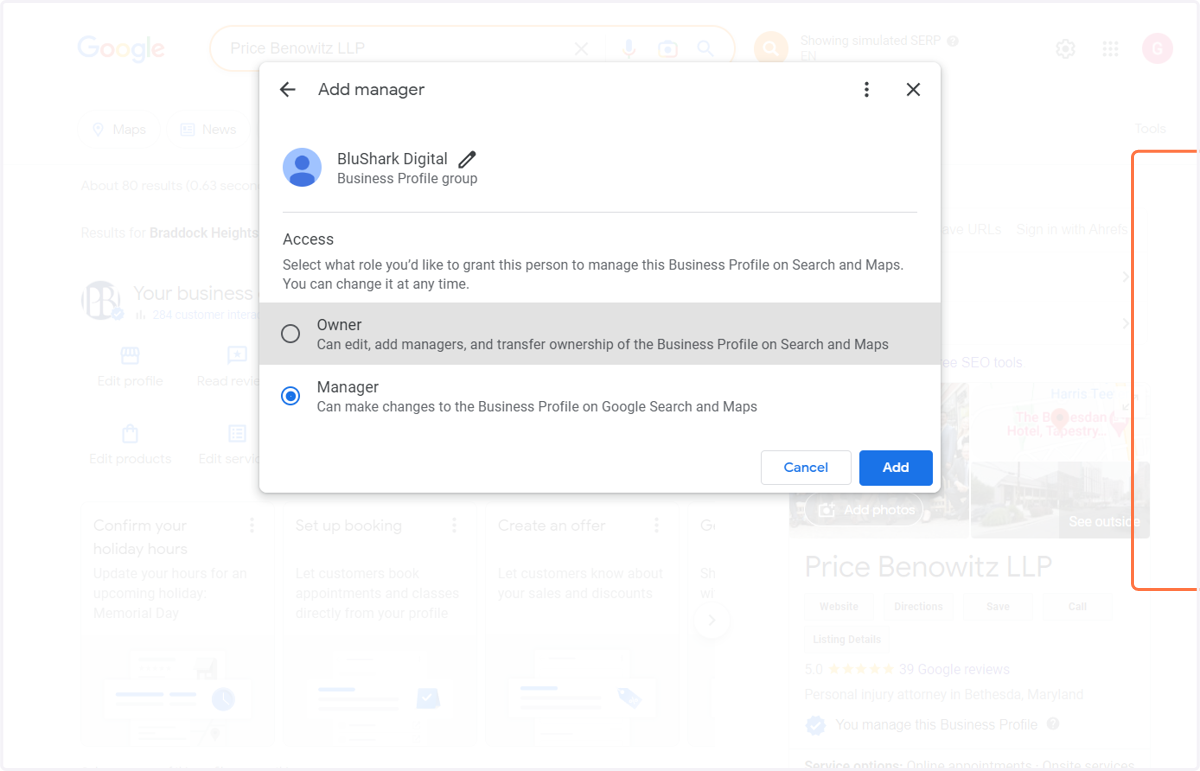
10. Click on Add